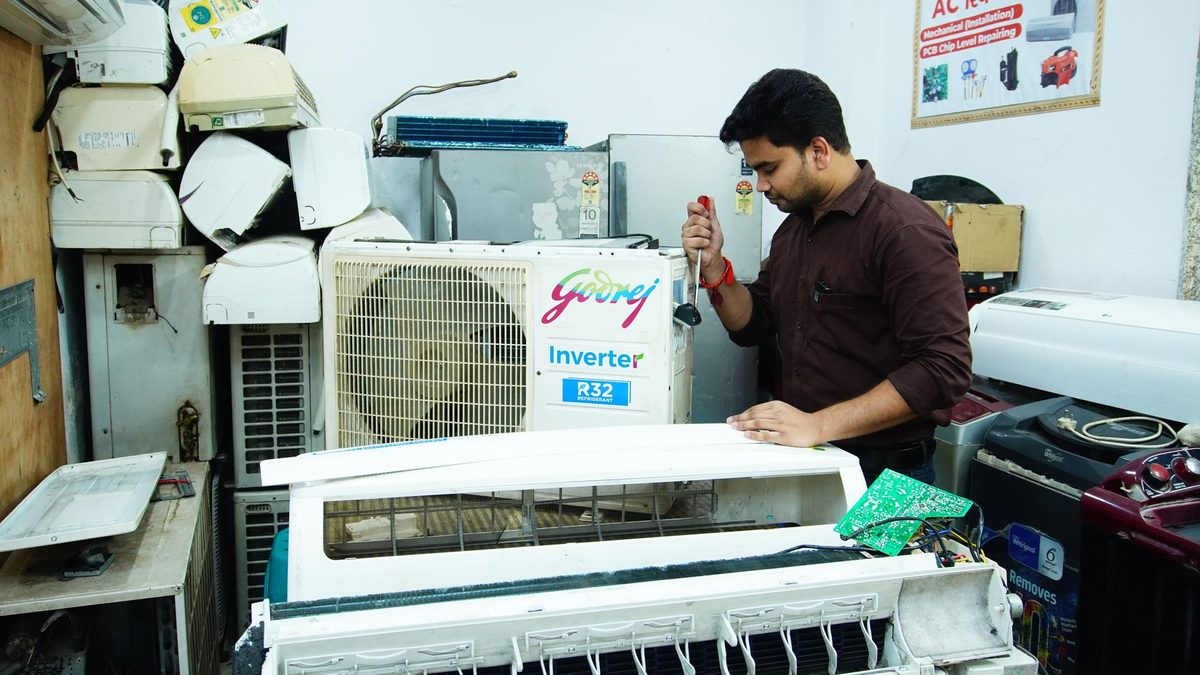
Field service management software helps a business that sends people out to customers, such as AC technicians, electricians, plumbers and appliance repair teams, plan jobs, track who is where, and keep the customer informed. This guide explains what it covers, when a notebook is still enough, what to check before you pay for anything, and how to handle the phone calls that start every job.
What does field service management software actually do?
At its core, the software replaces the notebook, the WhatsApp group and the owner's memory with one shared list of jobs. Every tool in this category is built around the same handful of functions, even if the names differ.
- Job records: customer name, address, phone number, the problem described, and the history of earlier visits.
- Scheduling and dispatch: deciding which technician goes to which job and when.
- Technician status: whether a job is not started, on the way, in progress, waiting for a part or finished.
- Quotes and invoices: an estimate before work begins and a bill when it ends.
- Customer updates: confirmations, "technician is on the way" messages and follow-ups.
- Parts and stock: which spare parts were used on which job and what is left.
Most products add reports on top: jobs done per technician, repeat visits, and how long a job takes from first call to closing. You do not need every function on day one. Start with the one that hurts most.
Do you need it, or is a notebook and WhatsApp group enough?
A notebook is enough more often than software vendors will tell you. If you have one or two technicians, 5 to 8 jobs a day and mostly repeat customers you know by name, a paper diary plus a shared phone calendar can work well. Software starts to pay for itself when the owner becomes the bottleneck, because every question about "where is the technician" or "what did we quote" lands on you.
| Situation | A notebook or sheet is usually enough | Software is worth a trial |
|---|---|---|
| Technicians | You or one helper | Three or more on the road |
| Daily jobs | A handful, planned the night before | Enough that clashes and late arrivals happen |
| Customer questions | Few, answered from memory | Many "when will you arrive" calls |
| Quotes | Verbal or on WhatsApp | Disputes about what was agreed |
| Parts | A small shelf you can see | Parts in vans and a store, often missing |
If you recognise the right-hand column in two or more rows, try software. If you recognise the left, improve your routine first: one diary, one rule for writing every job down, one place for quotes.

How does job scheduling and dispatch work?
Scheduling decides what is on the calendar. Dispatch decides who goes, in what order, and tells them. Good software lets you do both from one screen and shows clashes before they happen.
A simple dispatch routine looks like this:
- Record the job the moment the call or message arrives, with address, problem and preferred time.
- Check the service area and the technician's calendar before promising a time.
- Assign the job to one technician, not "whoever is free".
- Send the technician the address, phone number and problem in one message or app notification.
- Confirm the slot with the customer in writing, ideally on WhatsApp.
- Keep a buffer between jobs for travel and overruns.
Group nearby jobs for the same technician, and keep emergency slots free if your customers often call in a hurry. Software helps most when you have several technicians and the daily puzzle gets complicated; for a single person, a good calendar does the same job.
What should technician status and job updates look like?
Status updates answer the owner's most repeated question: where is the job right now? Keep the list short, because technicians on a ladder will not tap through twelve stages.
- Assigned
- On the way
- Started
- Waiting for part or customer approval
- Completed
- Payment collected
Ask for a photo of the finished work or the faulty part where it helps with disputes. Some tools also show live location. If you use that, tell technicians exactly what is tracked and when, track only during working hours, and use it to help customers and plan routes rather than to catch people out. A team that feels watched stops using the app.

How do quotes, invoices and payments fit in?
Quotes and invoices are where small field businesses lose money quietly. A verbal price changes by the time the job ends, and the customer remembers the lower number. Software that creates a quote before the technician leaves, records customer approval, and turns it into an invoice removes most of that argument.
A quote worth sending includes:
- the visit or inspection charge, if you have one
- the labour estimate
- parts, listed separately
- what happens if the technician finds something else
- how long the quote is valid
If you are a registered person, the CBIC GST invoice rules page lists what a tax invoice must carry, including the supplier's name, address and GSTIN, a serial number, the date of issue, the recipient's details, and the rate and amount of tax. Ask for a demo with your own invoice format, and check whether you can collect payment by UPI on the spot. If a product cannot produce the bill your accountant needs, you will end up typing every job twice.
How should you track spare parts and customer updates?
Parts tracking in a small business should be boring. You do not need a warehouse system; you need to know what was used and when to reorder.
- List your 20 most-used parts and set a minimum quantity for each.
- Record parts used on every job, not at the end of the month.
- Keep van stock and shop stock as separate lists.
- Review parts used per week and reorder what is near the minimum.
For customer updates, the useful messages are few: booking confirmed, technician on the way, job completed with the bill, and a reminder when yearly servicing is due. Short and timely beats long and fancy.

What should you check before you buy field service software?
Run every product through the same checklist, and run it on a free trial with two real technicians for at least a week, not a sales demo.
- Works on a basic phone: technicians should be able to use it on the phones they already own, with patchy mobile data.
- Works offline: can a job be updated in a basement or lift and synced later?
- Local language: can technicians use it in Tamil, Hindi or whichever language they work in?
- Invoices: does it produce a GST invoice in your format?
- Customer messages: does it send WhatsApp updates, or only SMS and email?
- Data export: can you download your customer and job data if you leave?
- Support: is help available by phone in your language, in your working hours?
Your job records will also hold customers' names, addresses and phone numbers, so ask where the data is stored and who can see it. India's Digital Personal Data Protection Rules were notified on 14 November 2025, and the PIB document on the Rules says a Data Fiduciary, meaning an entity that decides why and how personal data is processed, must issue a clear consent notice explaining the purpose. This is not legal advice, so check your own position with your adviser.
Questions to ask every vendor: what is included in the monthly price, how many users, what costs extra, how long setup takes, who helps you move your existing customer list, and what happens to your data if you stop paying.
What drives the cost of field service software?
Vendors usually price by the number of users, so cost grows as you add technicians. Other things that change the bill are the plan level (basic scheduling against full dispatch, inventory and reporting), extra charges for messages sent, one-time setup or training fees, and add-ons such as GPS tracking or custom invoice formats. This guide does not quote figures for specific products, because prices change and many vendors quote after a call. Ask for the price for your number of users, for 12 months, with GST shown separately, in writing. Before you sign, confirm these four things:
- the number of users included in the monthly price
- what costs extra, such as messages, setup, training or add-ons
- whether GST is shown separately
- what happens to your data if you stop paying
A useful test: take the monthly cost and divide by the number of jobs you complete. If the result is small compared with what one avoided dispute or one recovered job is worth to you, the tool is easy to justify. If it is not, stay with the notebook for now.
What mistakes should you avoid?
Most failures come from rollout, not from the software.
- Buying too much: paying for dispatch maps and analytics when your real problem is late replies.
- Skipping the routine: if jobs are not entered the moment they arrive, the system is always out of date.
- Training once: technicians need a short session, a one-page guide and a week of reminders.
- Switching everything at once: run the software on one team or one area first.
- Ignoring the first contact: the call or WhatsApp message that creates the job often never reaches the software at all.
- No owner for the system: pick one person who checks every evening that jobs are closed.
What happens to the call that starts the job?
Every field job begins with someone calling or messaging while your technician is up a ladder or under a sink. Scheduling software starts working only after a person writes that enquiry down, and in busy weeks that step is where jobs get lost. For example, if you miss 10 calls a month and 4 of them would have become jobs worth Rs 1,200 each, that is Rs 4,800 of work, an illustration with made-up numbers that you should replace with your own.
Anssay is an AI receptionist, not field service management software. It answers calls, WhatsApp and website chat in English, Tamil and Hindi, and its repair and home services page describes it collecting job details, checking the service area and booking visits while you are on a job. It hands over to you when something needs a person.
- Anssay answers the call or message and books the visit.
- It hands over to you when something needs a person.
- It does not do dispatch, GPS tracking, invoicing or parts tracking.
- Use it alongside the tools above or a good notebook.
The cost is on the pricing page. Plans start at Rs 2,999 a month excluding GST, and you can try it for 14 days without a card through the contact page. The solutions section on the home page shows the other kinds of business it is built for.